
Your infrastructure extends beyond deployment, as does its monitoring.
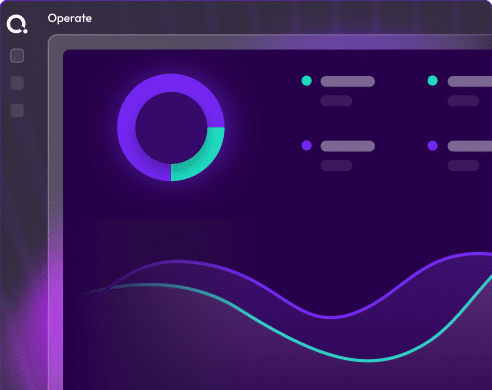
Operate is the Day 2 intelligence layer that monitors your organization’s deployments, reasons about findings, and acts autonomously. It evaluates context, determines actions, and executes before problems escalate.
Everyone talks about Day 2.
Almost no one actually solves it.
Operate does.
Day 0 is planning. Day 1 is deploying. Day 2 is ongoing. Configuration drifts silently. Idle resources incur costs. Security gaps widen. Compliance audits reveal issues. Operate provides teams visibility and intelligence across environments.


Three capabilities transform Day 2 from reactive to proactive
All environments are monitored, optimized, and compliant post-launch. Operate bridges provisioning and production.
01
Drift Detection And Remediation
When environments deviate, Operate acts. It compares live environments to IaC specs, detecting drift. Auto-remediation realigns or routes for approval based on policy.
02
Real Time Cost Intelligence
Every dollar tracked, every waste source identified before the bill. Cost attribution occurs at provisioning. Each environment is tagged for visibility. Cost policy blocks overspending at launch. The AI agent continuously monitors and flags idle resources.
03
Approval Workflows And Audits
Changes are logged and audit-ready. Out-of-band changes need approval. Every action is logged, including who modified it. Production blueprints require sign-off with SLA timers for review. A complete audit trail is generated for compliance.
One control plane. Complete visibility, real-time intelligence, and agents that act rather than alert
Three Day 2 realities compound silently, surfacing at the worst moment.

Configuration Drift Goes Unnoticed Until It Causes An Outage
Environments change. Manual patches lead to fixes. Without monitoring, discrepancies grow unnoticed until issues arise or auditors question mismatches.

Cloud Waste Builds Up Without Visibility
Idle GPU clusters and orphaned resources add up. Without real-time cost tracking, accountability fades, and the cloud bill arrives long after the waste.

Out-Of-Band Changes Bypass Governance, Creating Security Gaps
A user logs into the cloud console to make a change. The IaC definition isn’t updated, leading to unapproved configurations that can cause breaches.
Drift detected, impact mapped, remediation proposed in 60 seconds.

From deployment to governance in every environment
Six operational capabilities. From real-time drift detection to AI-driven cost optimization, running continuously across your entire infrastructure estate.
Unified operations dashboard
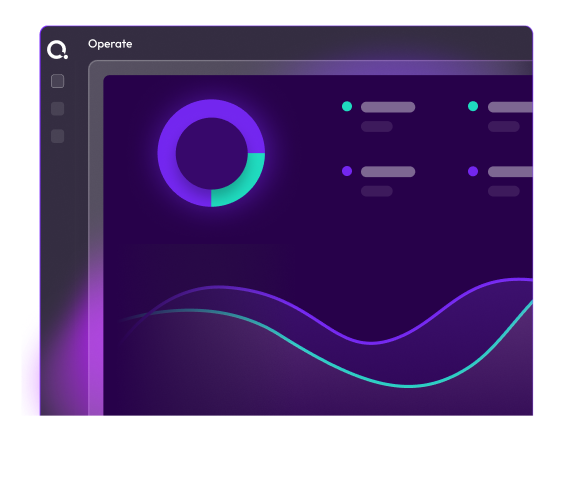
View your entire infrastructure from one screen. Operate provides real-time insights into deployments, configuration drift, and IaC inventory. Quickly spot issues, expiring environments, and costs without switching tools.
Continuous drift detection
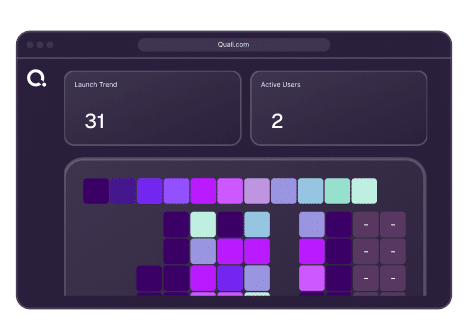
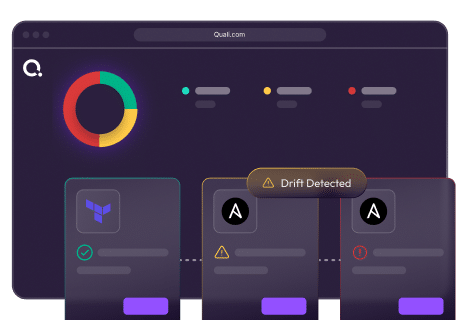
Not just what changed, but what it should be and its effects. Operate continuously compares live environments against IaC specifications. When a deviation is detected, it identifies the changed item, expected value, current value, and dependent environments. Drift is shown in the dashboard.
Real-time cost attribution
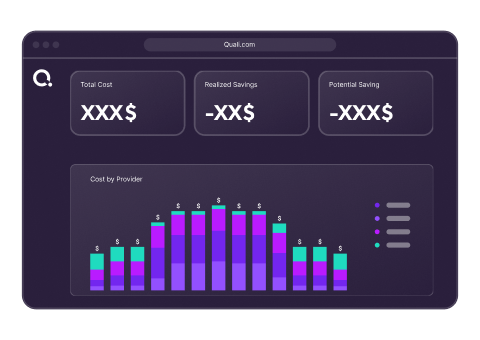
Environments are tagged at provisioning for cost visibility by team and user. Cost attribution happens at deployment with metadata for accountability. Operate shows real-time costs, daily spend, and potential savings. FinOps can drill down from summaries to individual usage.
Out-of-band change governance
Changes outside the process are reviewed and accepted or remediated. If a change is made outside Torque, Operate detects it and routes it for approval. The change is visible, attributed to the user, and pending review. Approvers can accept or reject it.
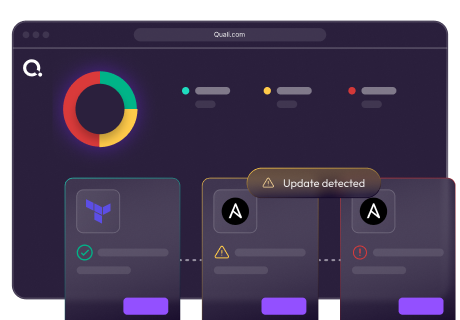
Blueprint update management
Outdated configurations are flagged before issues arise. When a blueprint updates, older environments show a Pending Update indicator. Engineers can view changes and risks. Updates can be done individually or in bulk, with proactive notifications.
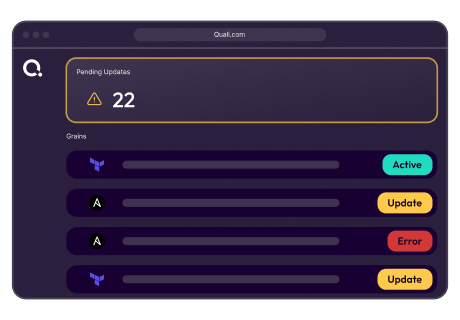
Agentic Day 2 operations
Agents reason and act within boundaries without waiting. Workflows are powerful when scenarios are anticipated. Torque’s Day 2 approach uses agents that evaluate the estate’s state, reason in context, and determine actions without triggers.
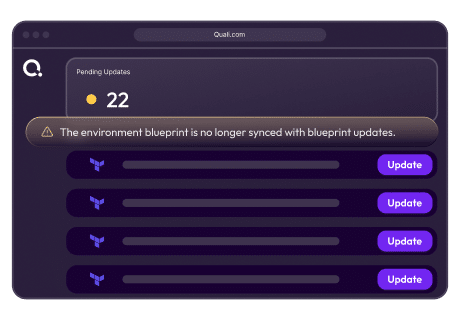
Explore Every Capability
Curate
Curate is Day 0. Here’s what comes next. The inventory Curate builds is the foundation every other Torque capability runs on. The completeness of what Curate discovers directly determines the coverage of what Operate can govern.
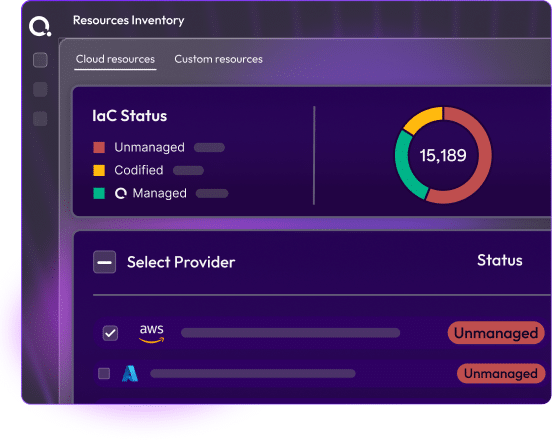
Self-Service
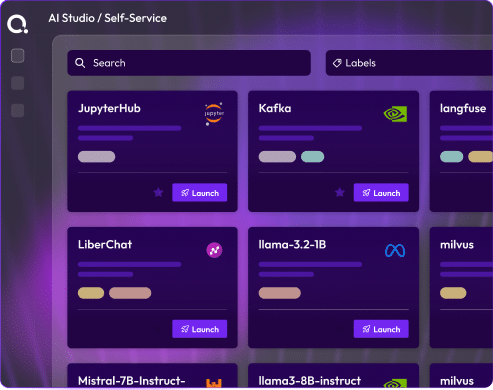
Deploy governed environments on demand, for every team. Governed blueprint catalog, AI Environment Designer, portal / ITSM / IDE / CI-CD access. Curate builds the inventory. Self-Service puts it to work.
Operate
Govern, optimize, and continuously improve what you’ve deployed. Drift detection, cost attribution, AI remediation, FinOps and SRE intelligence. Operate monitors everything Curate has inventoried.
AI-Agentic
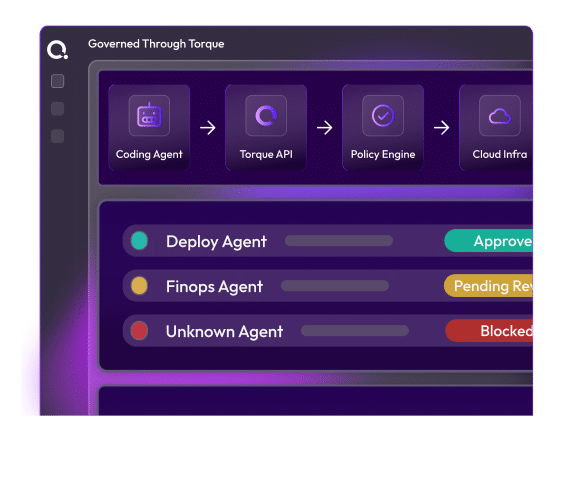
The AI Copilot that powers blueprint generation and environment design. The AI Environment Designer is part of the broader AI Copilot capability. Learn how Agentic AI operates across the full Torque platforms, from blueprint generation to operational remediation.
Frequently Asked Questions
Day 0 is planning and design. Day 1 is initial deployment. Day 2 is everything that happens after: keeping environments running correctly, managing configuration changes, controlling costs, maintaining compliance, and ensuring environments stay aligned with what was intended when they were deployed. Day 2 is where most infrastructure problems occur and where most infrastructure cost accumulates. It is also where most organizations have the weakest tooling, relying on manual processes, scheduled scans, and reactive incident response. Operate replaces that with continuous, automated, real-time governance.
Operate continuously compares the live state of every running environment against the IaC specification stored in Git and indexed by Curate. When a configuration item changes outside the governed process, whether through a direct cloud console action, a manual modification, or an out-of-band script, the deviation is detected in real time and surfaced in the operations dashboard immediately. The detection is not based on scheduled scans. It is continuous. The dashboard reflects drift the moment it occurs, with specific detail on what changed, what the expected value is, and what depends on the affected resource.
Both options are configurable. Platform teams can configure automatic remediation for known, low-risk drift patterns, where Operate detects the deviation and immediately restores the environment to its approved configuration without human intervention. For higher-risk changes, or environments where human sign-off is required by policy, drift triggers an approval workflow that routes to a designated approver. The approver can accept the change (updating the IaC baseline to reflect it) or reject it (triggering automatic restoration). The choice between automatic and approval-gated remediation is set at the blueprint and environment tier level.
Cost attribution is applied structurally at the point of provisioning, not as a manual tagging exercise. Every environment deployed through Self-Service is automatically tagged with the team, project, user, and business unit it belongs to. This metadata is carried through the entire environment lifecycle and is the basis for all cost reporting in Operate. Platform administrators see cost data across all teams and spaces. Team leads see cost data for their team. Individual users see cost data for their own environments. FinOps teams have access to structured cost reports by space, team, project, blueprint type, and user, with CSV export for external reporting.
Torque’s operational agents are not defined by two roles. SRE and FinOps are examples of the kinds of operational responsibilities agents are designed to cover, but the model extends to any area where informed, contextual decisions need to be made continuously and at scale, including security posture, compliance validation, capacity management, and more. What every agent shares is the same underlying design: they reason about the current state of what they are responsible for, evaluate the available options in context, and act within strictly defined governance boundaries. Each agent operates with a specific permission scope, a defined blast radius, and a full audit trail. An agent responsible for cost cannot modify infrastructure configurations. An agent responsible for remediation cannot make financial decisions. The boundaries are platform-enforced. Within them, the decision is the agent’s, not a condition in a script.
Yes, and production is where Operate is most valuable. The drift detection, cost attribution, approval workflows, and compliance audit trail are all designed to operate at the governance level required for production workloads. Production blueprints can be configured with stricter approval requirements, mandatory tag enforcement, and more conservative auto-remediation policies than development or staging environments. The operational dashboard gives platform teams a unified view across all environment types, with the ability to filter and act on each tier appropriately. Operate does not distinguish between pre-production and production, but it respects and enforces whatever policy distinctions the platform team defines.
A workflow is a decision tree. It evaluates conditions and selects from pre-defined branches. It is powerful for deterministic processes where every scenario can be anticipated and scripted in advance. But infrastructure operations are not fully deterministic. The same type of event in two different environments, at two different times, with two different histories, may warrant two different responses. A workflow cannot make that distinction because it was not written to. An agent can, because it reasons about context rather than matching conditions to branches. Torque’s SRE and FinOps agents evaluate the actual state of the environment, not just the triggering event. They consider what they know about the affected resource, the team that owns it, the history of similar issues, and the potential consequences of different responses. They then determine the appropriate action and execute it within the policy boundaries the platform team defined. Those boundaries are strictly enforced. Within them, the decision is the agent’s. This is what makes agentic operations genuinely different from sophisticated workflow automation — and why it handles real operational complexity in ways that workflows, however well-designed, fundamentally cannot.
Every action taken on every environment is logged automatically by the platform with full detail: who deployed it, who modified it, what changed and when, who approved or rejected out-of-band changes, who extended the TTL, and who destroyed it, all with precise timestamps. This log is generated by Operate as a structural output of normal operations, not as a separate compliance process that requires additional configuration. There is nothing to enable and nothing to maintain. When an auditor asks for the change history of a specific environment, the complete record is available immediately, in a structured, exportable format.
See Operate running against a live infrastructure estate
No installation. No configuration. Connect to a pre-loaded environment where drift has been introduced, costs are accumulating, and pending updates are waiting, and work through the full Operate response.
Live drift scenario with a pre-introduced configuration deviation, showing detection, impact mapping, and the AI Copilot remediation proposal
Real cost attribution data across multiple teams and environments, with idle resource flags and savings recommendations active
Pending update example with an outdated environment and the full update workflow available to explore
Approval workflow demo showing an out-of-band change caught, routed for review, and either accepted or remediated
Ready to stop discovering problems after they happen?
See how Operate continuously monitors your infrastructure estate, catches drift the moment it occurs, and gives your SRE and FinOps teams the visibility and automation to act, not just react, in a live session tailored to your environment.