
Deploy governed environments on demand.
Any team. Any stack.
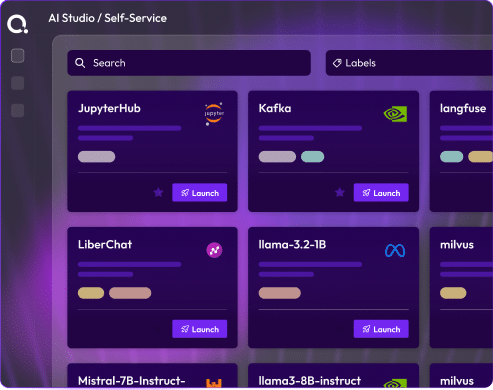
Self-Service transforms your infrastructure inventory into a governed catalog for developers and engineers to deploy without tickets or delays.
Platform teams spend weeks building infrastructure that developers and data scientists need in minutes.
Self-Service closes that gap, permanently.
When a developer requests an environment, your platform team does unnecessary work. Self-Service transforms your IaC inventory into a catalog for all team—engineering, QA, data science, sales, and product—to deploy without tickets or delays, maintaining governance. Curate’s inventory becomes accessible infrastructure.


Three platform engineering bottlenecks that worsen with scale
These are structural problems that appear in every organization where infrastructure access is still a manual, ticket-driven process.

Each Environment Request Is A Ticket For The Platform Team
Developers, and QA file tickets for environments, which the platform team processes. The backing grows, creating a bottleneck.

Teams Create Ungoverned Infrastructure Debt
Work is spun up by developers to use cloud resources and engineers to clone environments, leading to unmanaged costs.

Environments Vary Due To Different Builds
Without a catalog, each build varies, causing mismatched versions, configurations, QA finds bugs in dev, leading to inconsistency.
Three capabilities that eliminate the infrastructure bottleneck.
Platform teams spend weeks building infrastructure that developers and data scientists need in minutes. Self-Service closes that gap permanently, without removing governance or bypassing policy.
01
The governed catalog
Every Environment Your Organization Needs, Available On Demand
On-demand environments for your organization. Platform teams publish blueprints from IaC modules with cost caps and RBAC controls.
Developers and teams deploy without IaC knowledge or tickets. For GPU clusters, teams reserve capacity in advance.
02
AI Environment Designer
Describe What You Need In Plain Language. The AI Copilot Builds It From Your Actual Inventory.
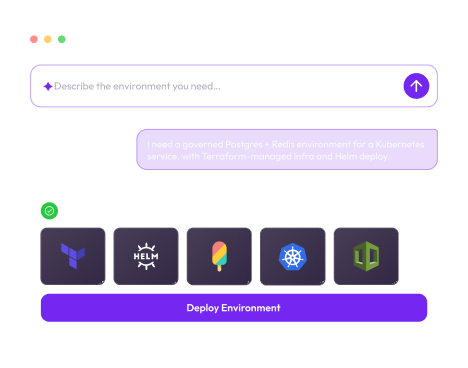
When no blueprint fits, users describe needs in natural language. The AI Copilot searches the inventory, selects IaC modules, maps dependencies, and generates a deployable blueprint. No YAML or Terraform expertise needed. The output quality depends on the inventory, which Curate made complete.
03
Deploy anywhere you already work
Portal, IDE, CI/CD Pipeline, ITSM, Slack. The Same Governed Catalog Everywhere.
Self-Service integrates with VS Code, JetBrains, GitHub Actions, and more. Developers request environments from their IDE, and pipelines provision them. Service desks fulfill requests seamlessly, ensuring accessible governance and instant adoption.
From prompt to environment in under 3 minutes

From governed inventory to running environment, for anyone in your organization
Six steps. From blueprint creation by the platform team to self-service deployment by developers, data scientists, and solution engineers.
Build the blueprint
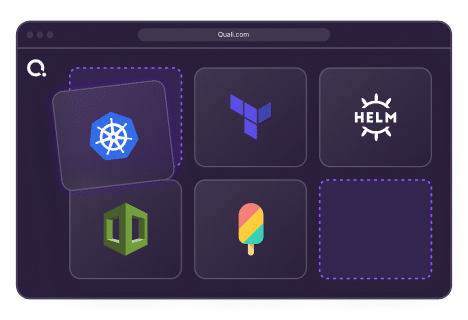
Platform teams create governed environments with IaC modules. The Blueprint Designer assembles environments from validated IaC. Choose components and set parameters with policy constraints.
Publish to the catalog
Approved blueprints are in the catalog for teams. Once approved, they are published and accessible. Role-based access controls dictate visibility. Cost policies and workflows are set before access. Platform teams determine availability.
Or describe it to the AI Copilot
When no blueprint fits, describe your needs. The Copilot builds it. Not every environment fits a pre-defined blueprint. Using the AI Environment Designer, describe needs in natural language. The AI Copilot selects modules, maps dependencies, and generates a deployable blueprint.
Deploy from anywhere
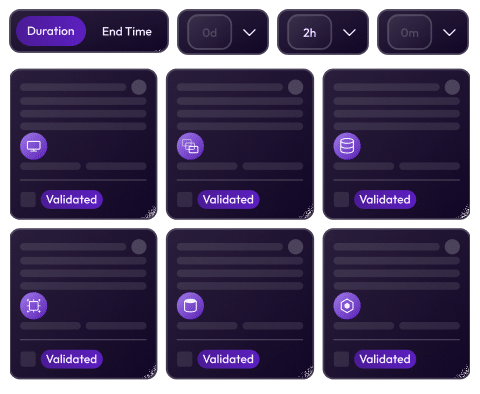
Deploy from the portal, IDE, or pipeline: the same governed deployment. Users can deploy from Torque, VS Code, GitHub Actions, and more. The wizard collects only necessary inputs. For resource-constrained environments, it shows availability and allows users to reserve a time slot.
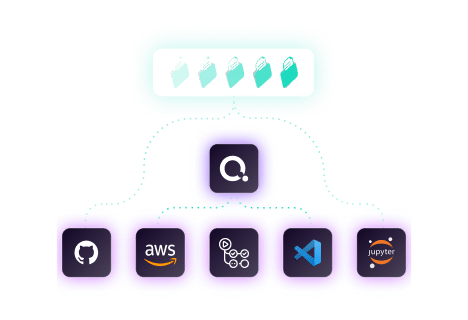
Work in the environment
Every team gets what they need. Platform teams see everything running. Once deployed, the environment is live and governed. This applies to development, QA, staging, and production. Users access it through their tools. The platform team sees every environment in the dashboard: ownership, cost, deployment time, and expiration. Shared environments enable collaboration on a single stack.
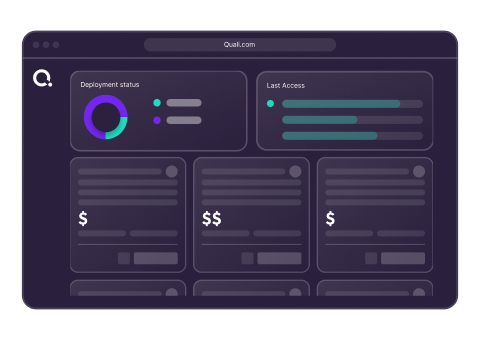
Automatic lifecycle management
Environments expire on schedule, not forgotten. Each Self-Service environment has a lifecycle. TTL auto-expiry prevents indefinite costs. Users get notifications before expiry, with options to extend if approved. When an environment ends, it terminates cleanly, releasing resources and recording costs.
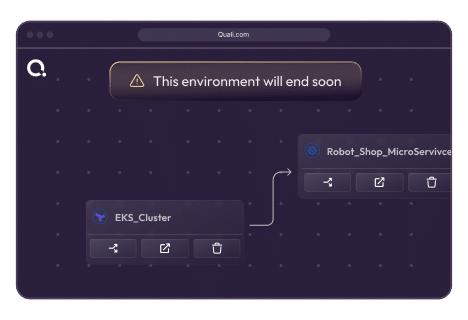
Every team deploys from the surface they already use
Self-Service is not a portal you have to adopt. It integrates with the tools your teams already use, so adoption is instant.

Torque Portal
Full catalog view, AI Designer, environment management. The primary interface.

IDE Plugin
VS Code and JetBrains. Browse catalog and deploy without leaving the editor.

CI/CD Integration
GitHub Actions, GitLab CI, Jenkins. Environments provisioned as part of the pipeline.

ITSM / Service Desk
ServiceNow and Jira Service. Fulfilll environment requests without manual steps.

Internal Dev Portal
Backstage, Port, OpsLevel. The Torque catalog embedded in your IDP.
Explore Every Capability
Curate
Curate is Day 0. Here’s what comes next. The inventory Curate builds is the foundation every other Torque capability runs on. The completeness of what Curate discovers directly determines the coverage of what Operate can govern.
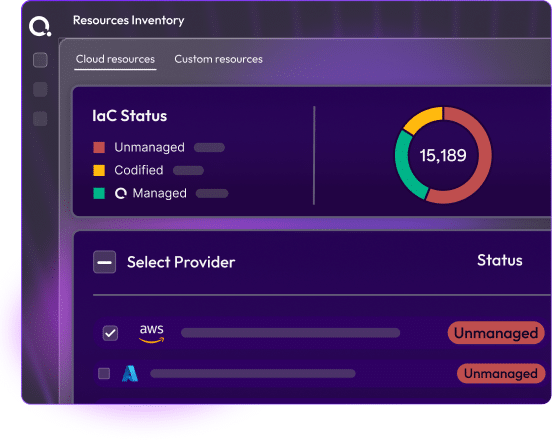
Self-Service
Deploy governed environments on demand, for every team. Governed blueprint catalog, AI Environment Designer, portal / ITSM / IDE / CI-CD access. Curate builds the inventory. Self-Service puts it to work.
Operate
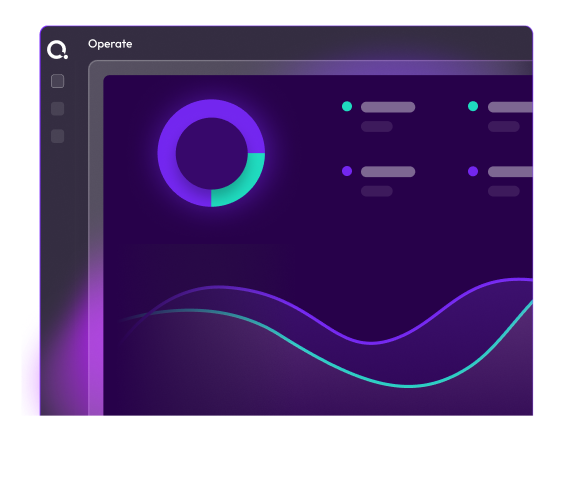
Govern, optimize, and continuously improve what you’ve deployed. Drift detection, cost attribution, AI remediation, FinOps and SRE intelligence. Operate monitors everything Curate has inventoried.
AI-Agentic
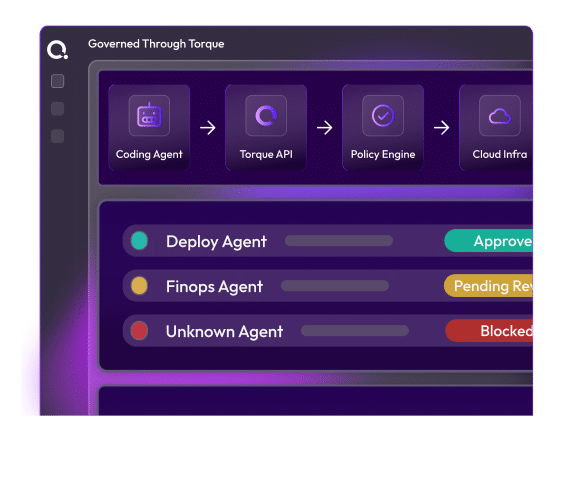
The AI Copilot that powers blueprint generation and environment design. The AI Environment Designer is part of the broader AI Copilot capability. Learn how Agentic AI operates across the full Torque platforms, from blueprint generation to operational remediation.
Frequently Asked Questions
A blueprint is a governed, reusable environment definition assembled from IaC modules in the Curated inventory. It defines the components of an environment: compute, network, storage, and application layers, along with the configuration parameters users can set, the policy constraints that govern the deployment (cost caps, TTL limits, cloud account restrictions), and the RBAC controls that determine who can deploy it. A blueprint is the unit that platform teams publish and end users consume.
The AI Environment Designer allows users to describe an environment in natural language — “a web application stack with a load balancer, two app servers, and a Postgres database on AWS” — and the AI Copilot searches the Curated inventory, identifies the right IaC modules, maps their dependencies, and generates a deployable blueprint. The blueprint is built from your actual, governed assets, not generic templates. The quality and accuracy of what the Copilot generates is directly tied to the completeness of the Curate inventory it works from.
Anyone your platform team grants access to. Self-Service uses role-based access controls to determine who can see and deploy each blueprint. Platform teams configure which teams, roles, and users have access to each blueprint when they publish it. Developers, data scientists, QA engineers, solution engineers, and product managers can all use Self-Service — with each group seeing only the blueprints relevant to their work.
Governance in Self-Service is enforced at the blueprint level, before deployment, not after. Platform teams configure cost caps (maximum spend per environment), TTL limits (maximum runtime), cloud account restrictions (which accounts the environment can deploy to), and approval workflows (whether certain deployments require sign-off before they proceed). These constraints are baked into the blueprint. Users cannot override them. Every deployment is policy-compliant by construction.
Yes. Self-Service integrates with Backstage, Port, and OpsLevel via the Torque API, making the catalog and deployment workflow available inside your existing IDP. It also integrates with VS Code and JetBrains IDEs, GitHub Actions, GitLab CI/CD, Jenkins, Azure DevOps, ServiceNow, and Jira. The Self-Service catalog is not a destination; it’s a capability that plugs into wherever your teams already work.
Environments deployed through Self-Service have TTL-based auto-expiry. Users receive advance notification before an environment expires and can request an extension, subject to policy limits. When the TTL is reached, the environment is terminated cleanly: all resources are destroyed, costs are attributed, and a record is written. If an extension requires approval, the workflow is handled automatically. Nothing is left running silently.
Yes. Self-Service is not a pre-production-only tool. The same governed catalog that serves development and QA can serve production workloads, with the appropriate policy guardrails applied at the blueprint level. Production blueprints can require approval workflows before deployment, enforce stricter cost and TTL policies, restrict which cloud accounts they deploy to, and require mandatory tagging for cost attribution and compliance. The governance model scales to production requirements without requiring a different tool or process.
Yes. For environments backed by finite or constrained resources — GPU clusters, specialized hardware, or capacity-limited cloud quotas — Self-Service supports advance reservation. Users browse available time slots directly in the catalog, book the capacity they need, and receive a confirmed availability window. The environment provisions automatically when the reserved slot arrives. This eliminates the uncertainty of queuing for shared resources and gives teams a predictable schedule for when their environment will be ready, without any manual coordination with the platform team.
Deploy a governed environment in a live playground
No installation. No configuration. Browse a pre-loaded catalog, deploy an environment using the AI Designer, and experience the full Self-Service flow, from natural language prompt to running infrastructure.
On the Playground you’ll find:
Pre-loaded catalog with governed blueprints across dev, QA, ML, and demo environment types.
AI Environment Designer active in the sandbox. Describe what you need and watch the Copilot build it.
No credentials required to explore the full deployment flow, including policy enforcement and TTL management.
Live environment management to see the governance controls, cost tracking, and lifecycle management in action.
Ready to eliminate your platform engineering backlog?
See how Self-Service turns your governed infrastructure inventory into a catalog your entire organization can deploy from, in a live session tailored to your environment and team structure.